
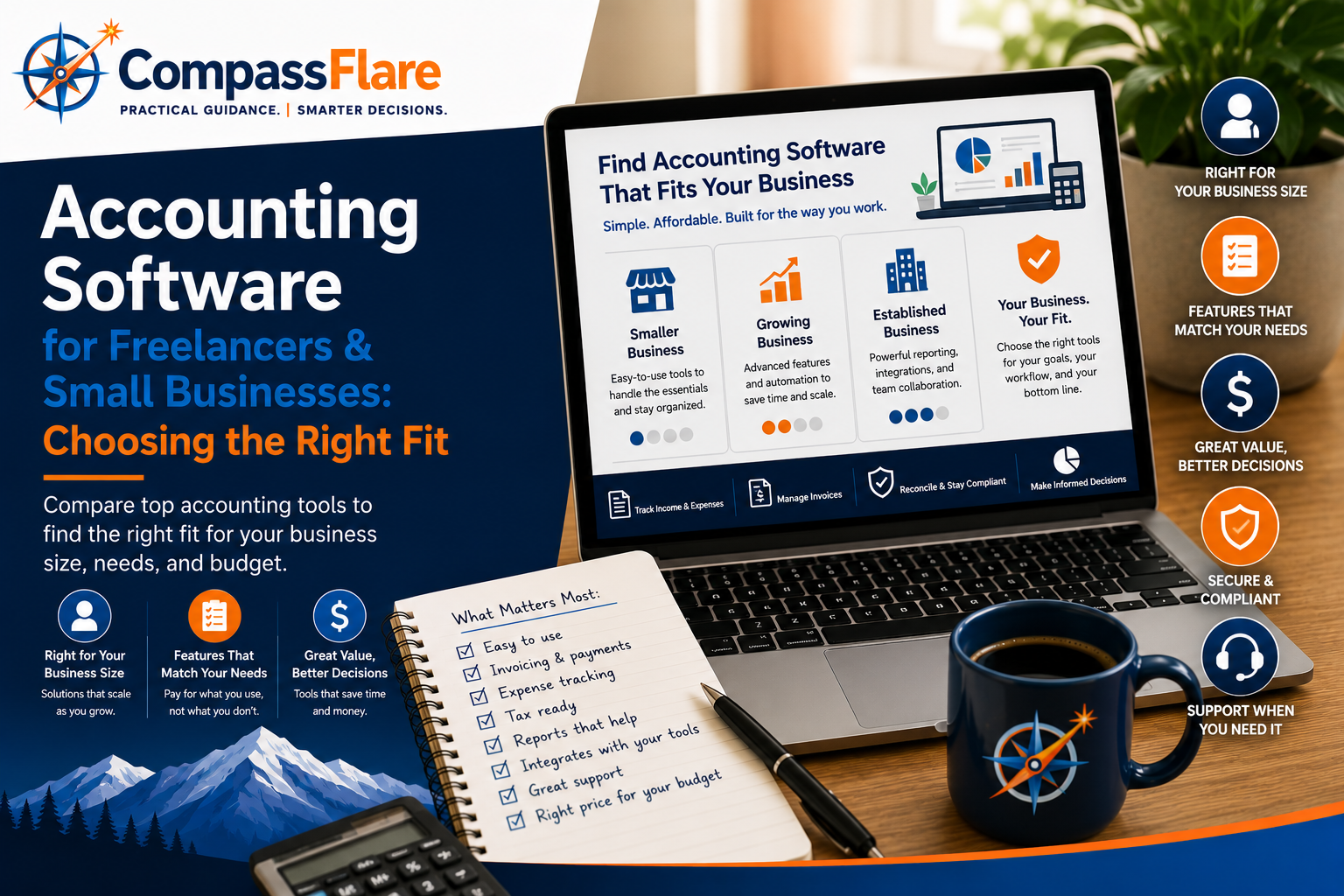
Choosing accounting software shouldn’t mean paying for features you’ll never use. Whether you’re a freelancer managing invoices and expenses or a growing small business that needs better financial visibility, the right accounting platform should fit your workflow and your budget.
At CompassFlare, we focus on practical value rather than simply recommending the platform with the longest feature list. We compared accounting software based on ease of use, everyday accounting capabilities, scalability, and overall value for freelancers and small to medium-sized businesses.
Disclosure: CompassFlare may earn a commission if you purchase through certain links on this page, at no additional cost to you. Our recommendations are based on our independent evaluation of each product’s fit, features, usability, and value.
QuickBooks vs. FreshBooks vs. Wave vs. Xero: Quick Comparison
These four platforms serve different types of businesses. QuickBooks offers the broadest accounting capabilities, FreshBooks focuses on freelancers and service businesses, Wave keeps things simple for budget-conscious users, and Xero provides strong accounting and collaboration features for growing businesses.
| Software | Good Fit For | Ease of Use | Accounting Depth | Budget Fit |
|---|---|---|---|---|
| QuickBooks Online | Small businesses | Good | Excellent | Moderate |
| FreshBooks | Freelancers & services | Excellent | Good | Moderate |
| Wave | Freelancers & very small businesses | Excellent | Basic–Good | Excellent |
| Xero | Growing businesses | Good | Excellent | Moderate |
CompassFlare note: The right choice doesn’t mean the most features. We give significant weight to whether a product delivers useful capabilities at a sensible cost for the business it’s designed to serve.
Accounting Software Options for 2026
There isn’t one accounting platform that fits every business. The right choice depends on how you work, which features you actually need, and how much complexity you’re willing to manage. Here are the options we think are worth considering first.
QuickBooks Online — A strong overall fit for small businesses
A strong all-around choice for businesses that want comprehensive accounting features and room to grow.
FreshBooks — A strong fit for freelancers and service businesses
A simpler option built around invoicing, expenses, time tracking, and client-based work.
Wave — A strong fit for budget-conscious businesses
A practical starting point for freelancers and very small businesses that want core accounting capabilities while keeping costs down.
Xero — A strong fit for growing businesses and collaboration
A capable accounting platform for businesses that value integrations, collaboration, and more sophisticated financial management.
QuickBooks Online — A strong overall fit for small businesses
Who it’s a good fit for
QuickBooks Online is one of our strongest overall choices for small businesses that want a mature accounting platform they can continue using as their financial needs become more complex. It combines everyday bookkeeping with invoicing, expense tracking, financial reporting, bank connectivity, and access for accounting professionals.
Why we like it
QuickBooks provides considerably more accounting depth than many lightweight tools aimed primarily at freelancers. Businesses can track income and expenses, manage invoices and bills, capture receipts, connect financial accounts, and generate financial reports from one platform. Higher-tier plans add more sophisticated reporting, budgeting, project profitability, inventory-related capabilities, and other tools.
Where it falls short
That depth comes with additional complexity and cost. A freelancer who primarily needs straightforward invoicing and expense tracking may find QuickBooks more than they need. Features also vary significantly by subscription level, so businesses should choose a plan based on the capabilities they actually use rather than automatically upgrading.
Who should choose QuickBooks
Choose QuickBooks if you expect your bookkeeping needs to grow, work closely with an accountant or bookkeeper, want stronger financial reporting, or prefer having more of your financial operations within one established accounting platform.
Who should skip it
Skip QuickBooks if your needs are very simple and keeping monthly software costs as low as possible is the priority. A freelancer sending a handful of invoices and tracking basic expenses may get better value from a simpler alternative.
CompassFlare verdict: A strong overall fit for small businesses that value accounting depth and room to grow.
FreshBooks — A strong fit for freelancers and service businesses
Who it’s a good fit for
FreshBooks is our top choice for freelancers and service-based businesses that spend much of their time working with clients. Its combination of invoicing, expense tracking, time tracking, estimates, proposals, payments, and accounting tools makes it particularly well suited to consultants, contractors, agencies, and other businesses that bill clients for their work.
Why we like it
FreshBooks puts client billing at the center of the experience. You can track time against clients and projects, turn billable time into invoices, monitor expenses, accept online payments, automate recurring invoices and payment reminders, and keep client information organized. Plus and higher plans also provide accounting reports, bank reconciliation, receipt scanning, and accountant access.
Where it falls short
FreshBooks becomes less compelling when a business needs deeper accounting functionality or has many users. Some accounting features require higher-tier plans, and additional team members currently cost extra on most plans. FreshBooks also limits billable clients on its Lite and Plus plans, so growing businesses should pay attention to client limits when comparing costs.
Who should choose FreshBooks
Choose FreshBooks if your business revolves around clients, projects, billable hours, invoices, and getting paid. It’s particularly attractive for freelancers and service businesses that want accounting software without making everyday bookkeeping unnecessarily complicated.
Who should skip it
Skip FreshBooks if you need more sophisticated accounting capabilities, have a larger team that needs regular access, or expect your accounting requirements to become substantially more complex as the business grows.
CompassFlare verdict: A strong fit for freelancers and service businesses that prioritize invoicing, client management, and ease of use.
Wave — A strong fit for budget-conscious businesses
Who it’s a good fit for
Wave is our budget pick for freelancers, solopreneurs, and very small businesses that need straightforward bookkeeping and invoicing without immediately adding another monthly software subscription. Its Starter plan currently costs $0 and includes unlimited estimates, invoices, bills, and bookkeeping records.
Why we like it
Wave provides an unusually useful starting point for a free accounting product. The Starter plan covers core bookkeeping and invoicing, while businesses that need more automation can move to Wave Pro. Pro adds features including automatic bank transaction imports, automatic transaction merging and categorization, digital receipt capture, automated late-payment reminders, and additional user access.
Where it falls short
Wave’s strongest advantage is simplicity and value, but that also means it isn’t our first choice for businesses with more complex accounting requirements. Some of its most useful automation features require Pro, while payroll, payment processing, bookkeeping assistance, and certain other services involve additional fees.
Who should choose Wave
Choose Wave if you’re a freelancer, independent professional, or very small business that needs solid bookkeeping and invoicing basics while keeping recurring software expenses low. It’s also a sensible option for someone moving away from spreadsheets who doesn’t yet need a more complex accounting system.
Who should skip it
Skip Wave if you already know your business needs deeper accounting functionality, sophisticated reporting, complex inventory management, or a broader accounting platform designed to support increasingly complicated financial operations.
CompassFlare verdict: A strong fit for freelancers and very small businesses that want useful accounting fundamentals without paying for features they don’t need.
Xero — A strong fit for growing businesses and collaboration
Who it’s a good fit for
Xero is our pick for growing businesses that want strong accounting capabilities without being locked into per-user pricing. It combines core accounting tools with reporting, bank reconciliation, invoicing, bill management, cash-flow visibility, and a broad ecosystem of connected business applications.
Why we like it
Xero offers a strong progression from basic accounting into more sophisticated financial management. Its plans include tools for invoicing, payments, bills, bank reconciliation, document capture, reporting, sales tax, and cash-flow forecasting. Higher tiers add capabilities such as multiple currencies, project time and cost tracking, employee expense claims, KPI analysis, and longer-range cash-flow forecasts.
Another advantage is that Xero currently advertises no per-user license fees, which can make it attractive for businesses where multiple people need access to the accounting system.
Where it falls short
Xero may be more accounting software than a solo freelancer needs, particularly if the primary requirements are simply sending invoices and tracking basic expenses. Its entry-level Early plan also limits businesses to 20 invoices and five bills, so businesses with higher transaction volumes will likely need a higher-tier plan.
Who should choose Xero
Choose Xero if your business is growing, multiple people need access, integrations with other business applications matter, or you want an accounting platform that can accommodate more sophisticated financial management over time.
Who should skip it
Skip Xero if you are a freelancer with very basic bookkeeping needs or if keeping accounting software costs at an absolute minimum is more important than scalability and advanced functionality.
CompassFlare verdict: A strong fit for growing businesses that value collaboration, integrations, and accounting capabilities that can scale with them.
Which Accounting Software Should You Choose?
Choose QuickBooks Online if…
You run a small business with more substantial bookkeeping needs, want strong financial reporting, work with an accountant or bookkeeper, or expect your accounting requirements to become more complex over time.
Choose FreshBooks if…
You’re a freelancer, consultant, contractor, or service business where invoicing clients, tracking billable time, managing projects, and getting paid are central to how you operate.
Choose Wave if…
You’re a freelancer or very small business with relatively straightforward accounting needs and want to keep recurring software expenses as low as possible.
Choose Xero if…
Your business is growing, several people need access to the accounting system, integrations matter, or you want sophisticated accounting capabilities without paying separately for every user.
Our Bottom Line
For many established small businesses, QuickBooks Online is one of the strongest options because of its accounting depth and ability to grow with the business. FreshBooks gets our recommendation for client-focused freelancers and service businesses, while Wave provides compelling value for businesses with simpler needs and tight budgets. Xero is particularly attractive for growing teams that value collaboration and integrations.
The right choice isn’t the software with the most features. It’s the software that solves the problems your business actually has without making you pay for unnecessary complexity.
How CompassFlare Evaluates Accounting Software
We evaluate software based on practical fit rather than feature count alone. For accounting platforms, we consider ease of use, core accounting capabilities, invoicing and expense management, reporting, scalability, integrations, collaboration, and overall value.
We also consider who shouldn’t buy a product. A platform can be excellent software and still be the wrong choice for a particular freelancer or small business.
CompassFlare may eventually earn commissions when readers purchase software through certain links on our site. Affiliate relationships do not determine which products we recommend or how we evaluate them.
Frequently Asked Questions
What accounting software works well for a small business?
For many established small businesses, QuickBooks Online is one of our strongest options because it combines everyday bookkeeping with strong reporting and room to handle more complex accounting needs as the business grows. QuickBooks’ reporting capabilities vary by plan, so businesses should compare the specific features they need before choosing a subscription.
What accounting software works well for freelancers?
FreshBooks is our preferred option for freelancers and service-based businesses that prioritize invoicing, client work, time tracking, and ease of use. Wave is particularly attractive when keeping recurring costs low is the priority.
Is free accounting software good enough for a small business?
Sometimes. A freelancer or very small business with straightforward bookkeeping needs may be well served by a free or low-cost platform. As a business grows, features such as more advanced reporting, automation, collaboration, inventory, payroll, or project accounting can make a paid platform worthwhile.
Should I choose QuickBooks or FreshBooks?
Choose QuickBooks if accounting depth, reporting, and scalability matter most. Choose FreshBooks if your business revolves primarily around clients, invoices, projects, and billable work. QuickBooks currently supports extensive invoicing and financial-reporting functionality, but available capabilities depend on the subscription.
Can I switch accounting software later?
Yes, but switching becomes more difficult as your financial history and business processes become more complicated. That’s why we recommend choosing based not only on what you need today, but also on what you’re reasonably likely to need over the next few years.
Final Recommendation
QuickBooks Online is one of our strongest choices for small businesses that want strong accounting capabilities and room to grow. FreshBooks is our preferred choice for freelancers and client-focused service businesses. Wave offers excellent value for very small businesses with straightforward needs, while Xero is a strong alternative for growing businesses that prioritize collaboration and integrations.
Before choosing, identify the three or four accounting tasks your business actually needs to perform. Start there—not with the longest feature list.