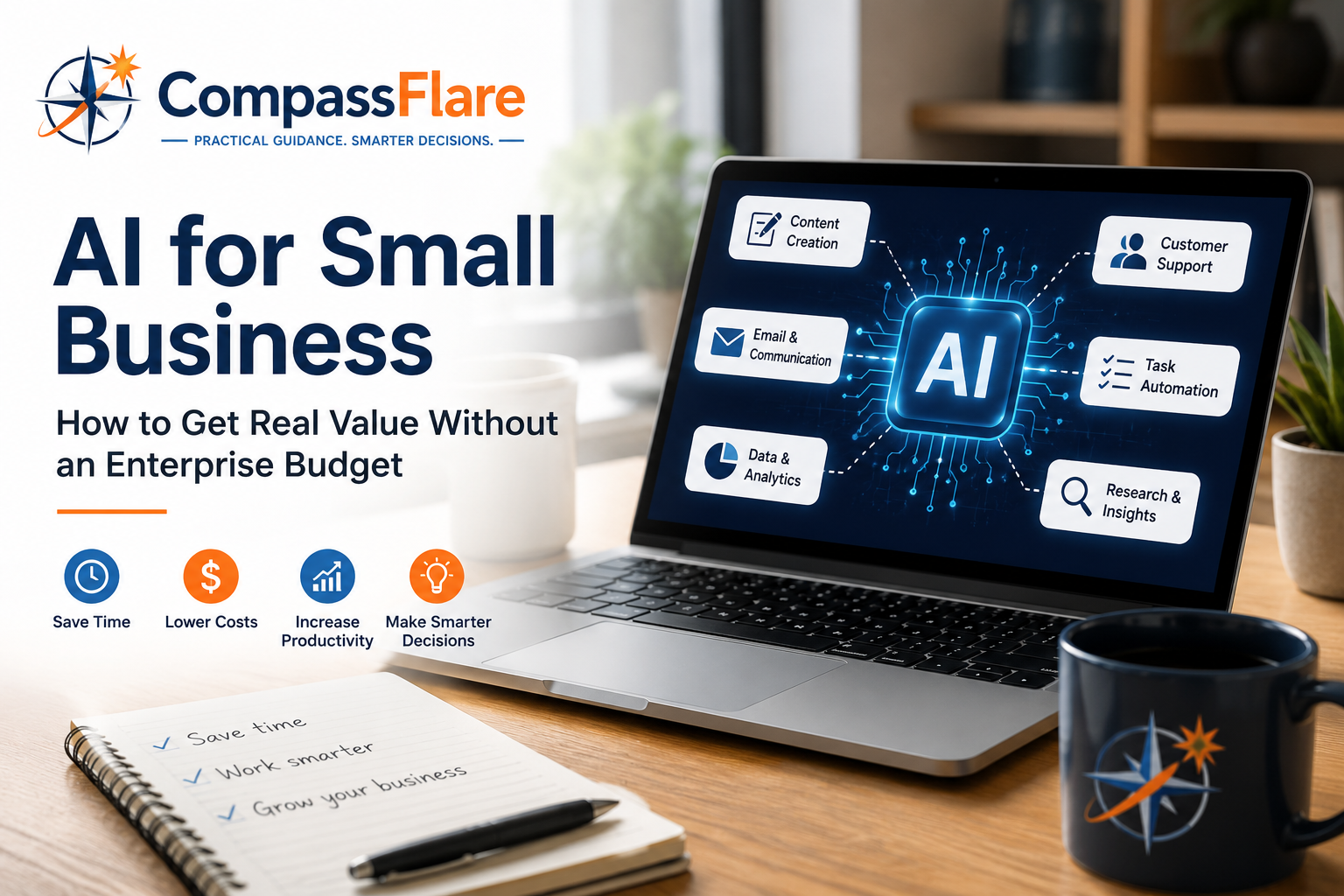
Artificial intelligence is rapidly becoming part of everyday business software. But much of the conversation around AI focuses on large companies with dedicated technology teams, substantial software budgets, and resources that most small businesses simply don’t have.
That doesn’t mean AI is only for enterprise companies.
For freelancers and small businesses, AI can be valuable precisely because resources are limited. The right tools can help one person accomplish work that previously required more time, additional software, or outside help.
The key isn’t adopting AI everywhere.
It’s identifying a few areas where AI can save enough time or improve enough work to justify the cost.
At CompassFlare, that’s the approach we recommend.
Start With the Work — Not the AI
One of the easiest mistakes small businesses can make is buying an AI tool and then trying to figure out what to do with it.
Reverse that process.
Look at the work you already perform and ask:
What takes too much time?
That might include:
- Writing emails and documents
- Researching products or competitors
- Creating marketing content
- Summarizing meetings
- Responding to common customer questions
- Analyzing spreadsheets
- Preparing proposals
- Creating presentations
- Organizing information
- Automating repetitive administrative work
Those are potential AI opportunities.
If AI doesn’t solve an actual problem, you probably don’t need another subscription.
1. Use a General AI Assistant First
Most small businesses don’t need five different AI products to get started.
A capable general-purpose AI assistant can handle a surprisingly broad range of tasks.
Tools such as ChatGPT, Microsoft Copilot, Google Gemini, and Claude can assist with research, writing, brainstorming, analysis, planning, summarization, and other everyday work.
Where they can help
A small business owner might use an AI assistant to turn rough notes into a customer email, summarize a long document, compare software options, brainstorm marketing ideas, analyze information, create an outline for a proposal, or prepare questions for a meeting.
The important part is using AI as an assistant, not blindly treating its output as fact.
Review important information before using it with customers or making business decisions.
CompassFlare tip
Choose one primary AI assistant and learn to use it well before paying for several overlapping services.
For many small businesses, that’s the most economical way to begin.
2. Use AI Inside Software You Already Pay For
Before purchasing standalone AI products, check the software your business already uses.
AI capabilities are increasingly being incorporated into productivity suites, CRM platforms, accounting applications, website builders, marketing platforms, project-management software, and customer-service systems.
This can be significantly more economical than assembling a collection of separate AI subscriptions.
If your existing CRM can summarize customer interactions, for example, you may not need another product specifically for that task.
The same principle applies to email, documents, meetings, marketing, and other business functions.
Use the capabilities you’re already paying for before expanding the technology stack.
3. Use AI to Stretch Your Marketing Budget
Marketing is one area where AI can provide substantial leverage for a small business.
AI can help create first drafts for:
- Blog articles
- Email campaigns
- Product descriptions
- Social posts
- Video outlines
- Advertising concepts
- Landing-page copy
- SEO content ideas
But there’s an important distinction.
AI should accelerate your expertise—not replace it.
Publishing large amounts of generic AI-generated content isn’t much of a competitive advantage when every other business can do exactly the same thing.
Your experience, opinions, customer knowledge, examples, and judgment are what make the content useful.
Let AI help with the production process while keeping the business’s actual perspective in the final product.
4. Make Customer Service More Efficient
Small businesses don’t usually have large customer-support departments.
That makes efficiency particularly important.
AI can help draft responses, summarize customer conversations, organize support information, create frequently asked questions, and power basic self-service experiences.
That doesn’t mean every customer should be handed to a chatbot.
Complicated problems, sensitive situations, and important customer relationships still benefit from human attention.
A better goal is to let AI handle some of the repetitive work so people have more time for situations where human judgment matters.
5. Turn Meetings Into Useful Information
Meetings create a surprising amount of administrative work.
Someone has to take notes, identify decisions, capture action items, and make sure something actually happens afterward.
AI-enabled meeting tools can help generate transcripts, summaries, and action items automatically.
For a small team, eliminating even a few hours of meeting administration each month can create meaningful value.
Before recording or transcribing meetings, however, understand the privacy requirements and obtain any consent required in your jurisdiction or situation.
6. Use AI to Understand Your Business Data
You don’t necessarily need a team of data scientists to ask better questions about your business.
Modern AI tools can help users work through spreadsheets, identify patterns, summarize reports, explain formulas, categorize information, and explore data.
A business owner might ask questions such as:
Which products are growing fastest?
Where are expenses increasing?
Which customers haven’t purchased recently?
What patterns exist in customer feedback?
AI doesn’t eliminate the need to verify numbers, but it can make business information considerably easier to explore.
7. Automate Small Processes Before Big Ones
The word “automation” can make AI sound like an enormous technology project.
It doesn’t have to be.
Start small.
For example:
Website form → CRM → follow-up task → draft email
Or:
Meeting transcript → summary → action items → project-management tasks
Or:
Customer inquiry → categorize → draft response → human review
Small automations can eliminate repetitive work without requiring an enterprise transformation project.
Once one workflow proves valuable, automate another.
How Much Should a Small Business Spend on AI?
There’s no universal number.
A better question is:
What is this tool replacing or improving?
Suppose an AI subscription costs $20–$30 per month and reliably saves three hours of work.
For many business owners, that’s an easy calculation.
But five $30 subscriptions that perform overlapping functions suddenly become $1,800 per year.
That’s where AI budgets quietly get out of control.
Start with a small monthly budget. Add another product only when you can explain what problem it solves that your existing tools cannot.
A Practical Small-Business AI Stack
You don’t need dozens of products.
A lean AI-enabled business might have:
One general AI assistant
For research, writing, analysis, brainstorming, and everyday assistance.
Your existing productivity platform
For email, documents, spreadsheets, meetings, and collaboration.
Your CRM or business platform
For customer information, sales, workflows, and automation.
One specialized AI tool — if justified
Perhaps for meetings, design, video, customer support, or another function important to your particular business.
That’s enough for many organizations.
Add technology when the business case exists—not because another AI product launched this week.
Don’t Ignore AI Privacy and Security
Lower cost shouldn’t mean lower standards.
Before putting business information into an AI service, understand what you’re sharing.
Be especially careful with customer information, financial records, passwords, proprietary information, employee data, contracts, and other confidential material.
Review the provider’s privacy and data-handling policies and use appropriate business versions of products when sensitive business information is involved.
And don’t assume AI output is correct simply because it sounds confident.
AI can assist with judgment. It doesn’t eliminate the need for it.
The CompassFlare Take
Small businesses don’t need enterprise AI budgets to benefit from artificial intelligence.
They need focused use cases.
Start with one good AI assistant. Explore the AI capabilities already included in the software you use. Identify repetitive work that consumes time. Automate small processes. Measure whether you’re actually getting value.
Then expand.
A $20 tool that consistently saves several hours can be far more valuable to a small business than a sophisticated enterprise platform containing capabilities it will never use.
The objective isn’t to build the biggest AI stack.
It’s to build a smarter business without building a bigger technology bill.
CompassFlare Disclosure
CompassFlare independently evaluates software with a focus on practical value for freelancers and small businesses. Some links on this page may be affiliate links, which means we may earn a commission if you purchase through them at no additional cost to you. Affiliate relationships do not determine our recommendations.