
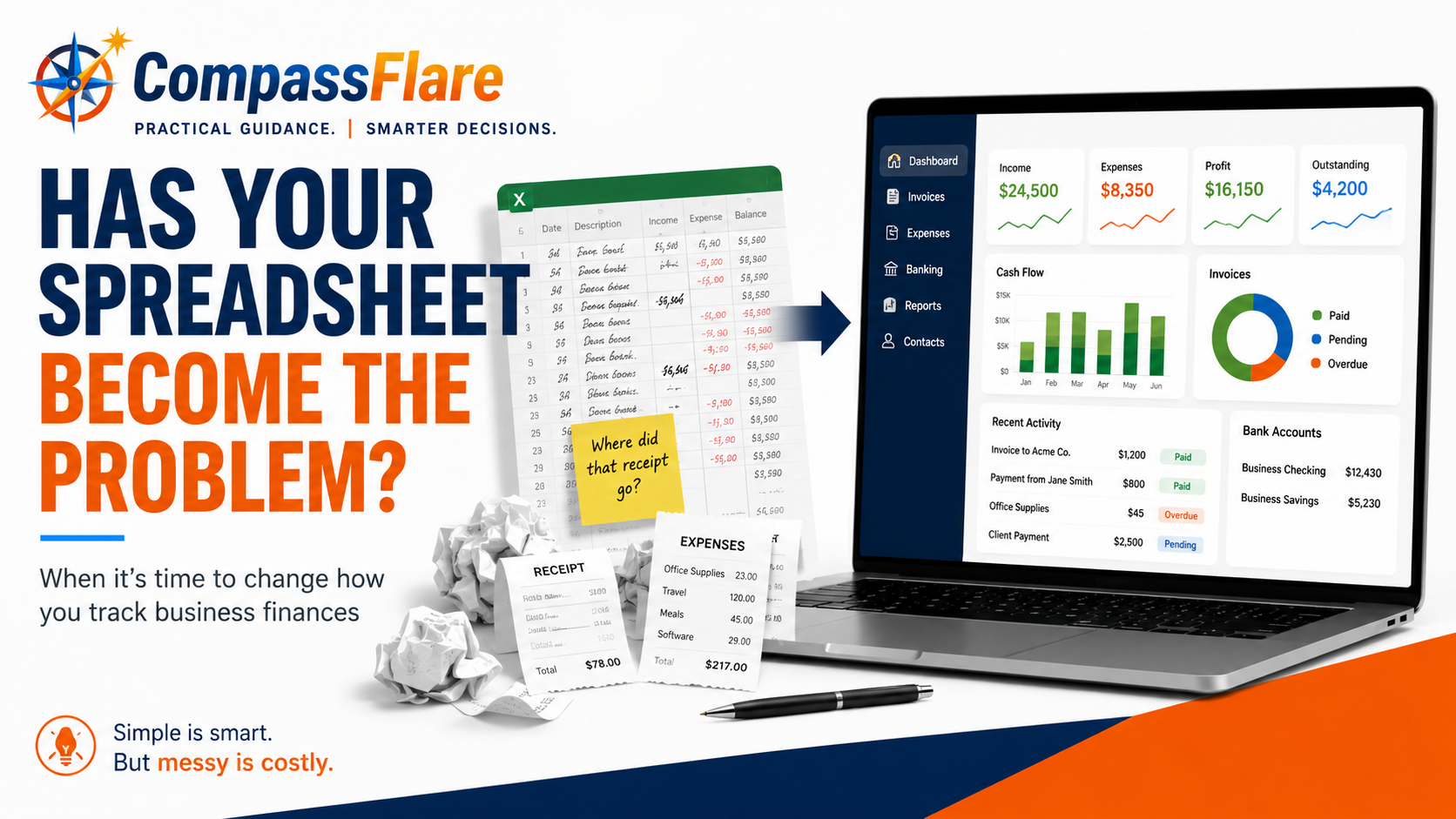
If you started your business with a spreadsheet to track money coming in and expenses going out, you probably made a sensible choice.
A freelancer with a few clients or a very small business with relatively few transactions may not need dedicated accounting software right away. A simple spreadsheet can be inexpensive, familiar, and perfectly adequate.
But businesses change.
You start sending more invoices. Receipts pile up. More payments move through your bank account. Tax time becomes harder. And eventually, the spreadsheet that once made things simple can start creating more work than it saves.
So when should you make the switch?
The answer isn’t simply when your business reaches a certain size or revenue level. The better question is whether your current system still lets you keep accurate records, understand where your money is going, and manage your finances without unnecessary work.
Let’s look at the signs.
First: You Don’t Automatically Need Accounting Software
It’s easy to assume that running a business means you need a monthly subscription for accounting software.
You don’t.
A spreadsheet may still work well if:
- You have relatively few business transactions.
- You only send a small number of invoices.
- Your expenses are easy to track.
- You’re comfortable entering information manually.
- You can quickly tell which customers have paid you.
- Your financial records are organized when you need them.
- Your accountant or tax professional is comfortable working with the records you provide.
The important part isn’t whether you use a spreadsheet or software. It’s whether your system works.
The Internal Revenue Service (IRS) allows businesses to choose a recordkeeping system appropriate for their needs as long as it clearly shows income and expenses. In other words, there isn’t a general rule saying every small business must purchase accounting software.
For a new freelancer with three clients, buying an elaborate accounting system could create more complexity than value.
CompassFlare guidance: If your spreadsheet is accurate, easy to maintain, and gives you the financial information you need, don’t replace it just because accounting software exists.
What Does Accounting Software Actually Do?
Before deciding whether you need it, it helps to understand what you’re buying.
Accounting software is simply a tool designed to organize and manage your business’s financial information.
Depending on the product, it can help you:
- Record money your business earns.
- Track business expenses.
- Create and send invoices.
- See which invoices haven’t been paid.
- Connect transactions from a business bank account.
- Organize receipts.
- Prepare financial reports.
- Give an accountant or bookkeeper access to your records.
More advanced systems can handle additional jobs, but a small business may not need them.
The real advantage is usually not that accounting software can do something completely impossible with a spreadsheet.
It’s that the software can reduce how much of the work you have to do manually.
Sign #1: You’re Spending Too Much Time Updating the Spreadsheet
This may be the clearest warning sign.
Suppose updating your spreadsheet takes 15 minutes each week. That’s probably not a serious problem.
But what happens when you’re constantly entering transactions, checking bank records, finding receipts, updating invoices, and correcting information?
At that point, saving the subscription cost may be costing you something else: your time.
This is especially important for freelancers and business owners because bookkeeping competes with work that actually produces revenue.
Ask yourself:
How much time did I spend maintaining my financial records last month?
If the answer surprises you, it may be time to consider a better system.
Sign #2: You Can’t Easily Tell Who Owes You Money
Imagine opening your spreadsheet and trying to answer a simple question:
Which customers haven’t paid me yet?
Can you answer within a few seconds?
If not, the problem is becoming more serious.
Sending an invoice is only part of getting paid. You also need to know whether the invoice was paid, when it was due, and whether you need to follow up.
This becomes increasingly difficult as the number of customers and invoices grows.
Many accounting platforms combine invoicing and payment tracking so you can see outstanding invoices without maintaining a separate manual list.
For a business that depends heavily on client payments, that alone can make the switch worthwhile.
Sign #3: You’re Losing Track of Expenses or Receipts
A $12 business purchase doesn’t seem particularly important when you make it.
Neither does the next one.
The problem appears months later when you’re trying to remember what you purchased, where the receipt went, or whether you recorded the expense at all.
A spreadsheet only contains the information you remember to put into it.
As transaction volume increases, manual entry creates more opportunities for things to be missed or entered incorrectly.
Some accounting platforms can connect with financial accounts, import transactions, categorize expenses, and store receipt information.
You still need to review your records. Software doesn’t eliminate your responsibility to make sure they’re accurate.
But it can reduce the amount of information you have to move manually from one place to another.
Sign #4: Tax Time Means Reconstructing the Previous Year
Here’s a useful test:
If you needed an accurate summary of your business income and expenses today, how difficult would it be to produce one?
If your answer is, “I’d need a weekend,” your current system probably isn’t working as well as it should.
Good bookkeeping is ongoing recordkeeping, not a once-a-year reconstruction project.
The IRS recommends recording expenses when they occur and identifying sources of income. For many small businesses, keeping records current throughout the year makes tax preparation much easier.
That doesn’t necessarily mean you need accounting software.
It does mean you need a reliable system.
If maintaining that system manually has become difficult, software may be worth considering.
Sign #5: You’re Not Confident the Numbers Are Accurate
This is different from inconvenience.
If you’re regularly wondering:
Did I enter that transaction?
Did I record this expense twice?
Did that customer already pay?
Does this number match my bank account?
then you’re beginning to lose confidence in the information you’re using to run the business.
Financial records aren’t very useful if you don’t trust them.
Accounting software won’t magically eliminate mistakes. You can still enter something incorrectly or categorize a transaction the wrong way.
But reducing repetitive manual entry and keeping related financial information together can make your records easier to review.
Sign #6: Someone Else Needs Access to the Financial Information
A spreadsheet is particularly easy when you’re the only person using it.
Things become more complicated when you hire a bookkeeper, start working more closely with an accountant, add a business partner, or have employees who need access to financial information.
Now you have to think about:
- Which version of the spreadsheet is current?
- Who changed something?
- What information should each person be allowed to see?
- How do you transfer records to your accountant?
- Are important documents stored somewhere else?
Accounting software can provide a central location for financial records and, depending on the product and subscription, allow other people to access the information they need.
That can become increasingly valuable as a business grows.
Sign #7: You Need More Than a List of Money In and Money Out
A basic spreadsheet can be excellent at answering:
How much did I earn?
and
How much did I spend?
Eventually, you may start asking more complicated questions.
How profitable was the business?
How much do customers still owe me?
How are expenses changing?
Which parts of the business are making money?
How much cash does the business actually have available?
That’s when financial reporting becomes more useful.
You don’t need to become an accountant to benefit from better financial visibility. You simply need to recognize when your business decisions require information that your existing system doesn’t provide easily.
Spreadsheet vs. Accounting Software: A Simple Decision
Don’t make this decision based on whether spreadsheets are “good” or accounting software is “better.”
Ask which one fits your business today.
Keep the spreadsheet if:
Your transactions are relatively simple, you’re staying organized, manual entry isn’t consuming much time, and you can quickly understand your financial position.
There is nothing wrong with keeping a simple system that works.
Consider accounting software if:
You’re spending increasing amounts of time on bookkeeping, losing track of invoices or expenses, struggling to keep records current, or finding that your spreadsheet no longer gives you the information you need.
The software should solve an existing problem—not create an excuse to add another subscription.
Don’t Wait Until Everything Is a Mess
There is another side to avoiding unnecessary software.
Waiting too long can make switching harder.
If you eventually decide to move from a spreadsheet to accounting software, you’ll need to organize your existing financial information and establish a starting point in the new system.
That’s much easier when your records are already reasonably clean.
So don’t wait for complete chaos.
The ideal time to change is when you can see that your existing system is beginning to become a burden but your records are still organized enough to make the transition manageable.
What Should You Look for If You’re Ready to Switch?
If several of the warning signs above sound familiar, don’t immediately buy the accounting platform with the longest feature list.
Start with the problems you actually need to solve.
For many freelancers and small businesses, those may be:
- Sending invoices.
- Tracking whether customers have paid.
- Recording income and expenses.
- Connecting business bank transactions.
- Keeping receipts organized.
- Producing useful financial reports.
- Sharing information with an accountant or bookkeeper.
Write down your three or four most important requirements before comparing products.
That list will help you avoid paying for capabilities you don’t need.
Which Accounting Software Should You Consider?
Once you’ve decided that a spreadsheet is no longer enough, then it makes sense to compare software.
We’ve already evaluated several options for different types of freelancers and small businesses in our Accounting Software for Freelancers & Small Businesses: Choosing the Right Fit guide.
The important distinction is that there isn’t one answer for everyone.
A freelancer who primarily sends invoices to clients may need something very different from a growing company that needs more detailed financial reporting and collaboration with an accountant.
Choose based on the business you actually run—not the number of features advertised on the pricing page.
The CompassFlare Bottom Line
You don’t need accounting software simply because you own a business.
If a spreadsheet keeps your financial records accurate, organized, and easy to understand, keep using it.
The point where you should consider switching is when the spreadsheet itself starts becoming part of the problem.
If you’re losing track of invoices, missing expenses, spending too much time entering information, struggling at tax time, or no longer trusting the numbers in front of you, accounting software may be worth the cost.
Start with the problem.
Then decide whether software is the simplest practical way to solve it.
That’s a better reason to buy business software than simply being told that every small business needs another subscription.